
How to Start a WordPress Blog in 15 Minutes
(2026 Step-by-Step Guide for Beginners)

Hi, I’m James Agbai, a blogger and SEO Expert with over 5 years of experience creating WordPress blogs that grow traffic and generate income. I’ve built multiple blogs from scratch, and in this guide, I’ll walk you step-by-step to start your own WordPress blog; even if you’ve never touched a website before.
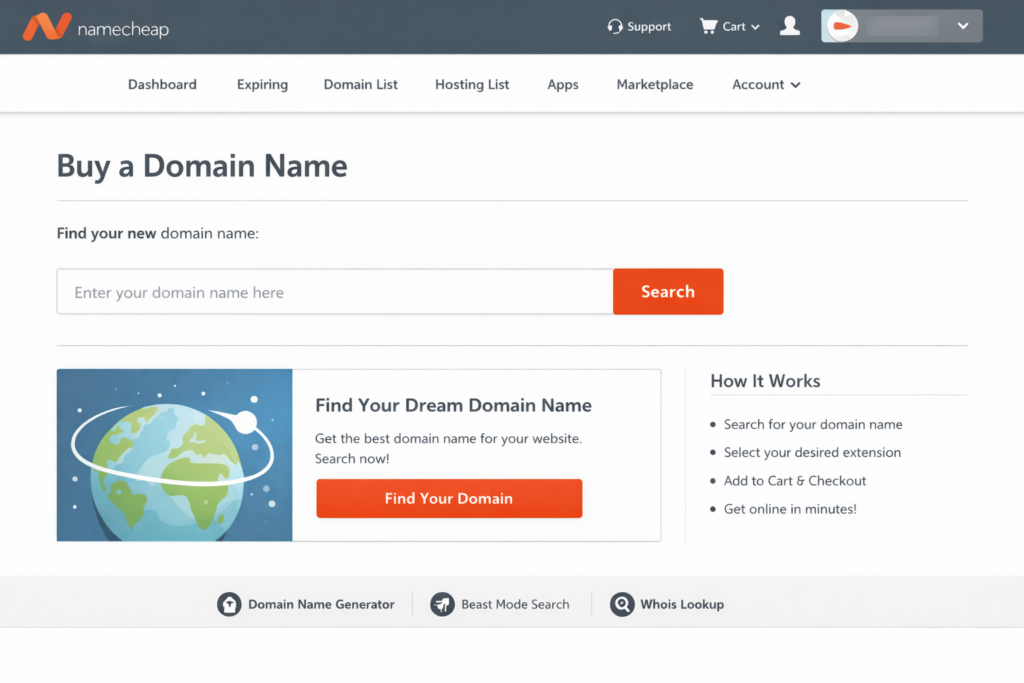
STEP 1 — Buy a Domain Name
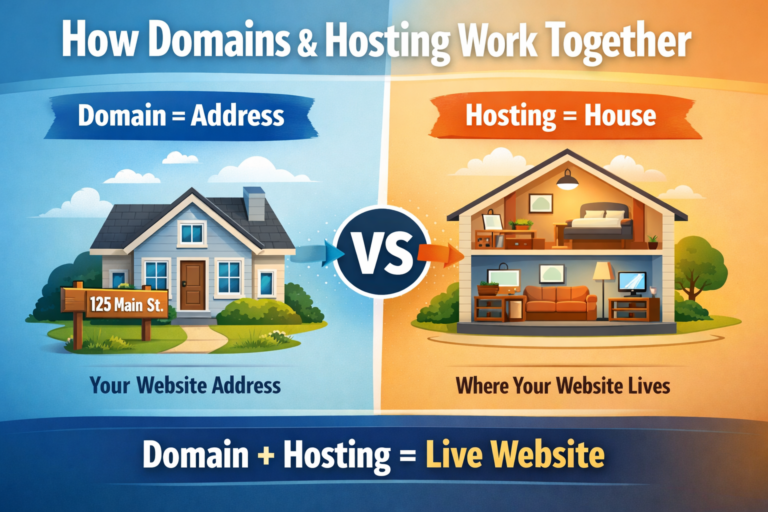
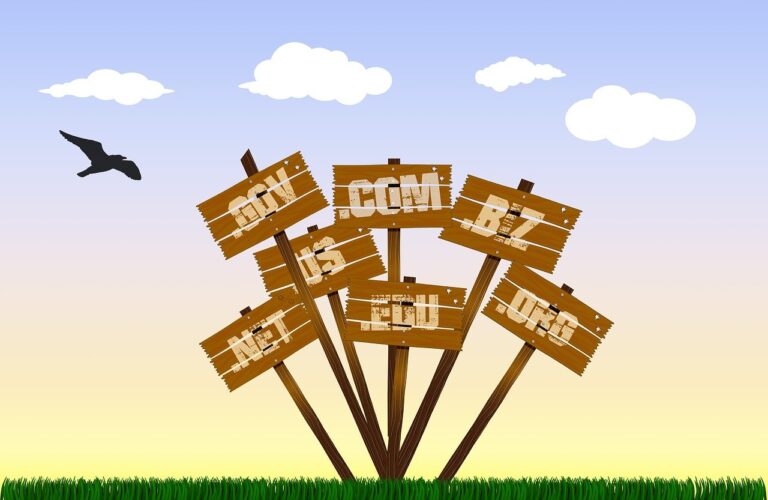
Your domain name is your blog’s address on the internet. Example:
yourblogname.com
Tips:
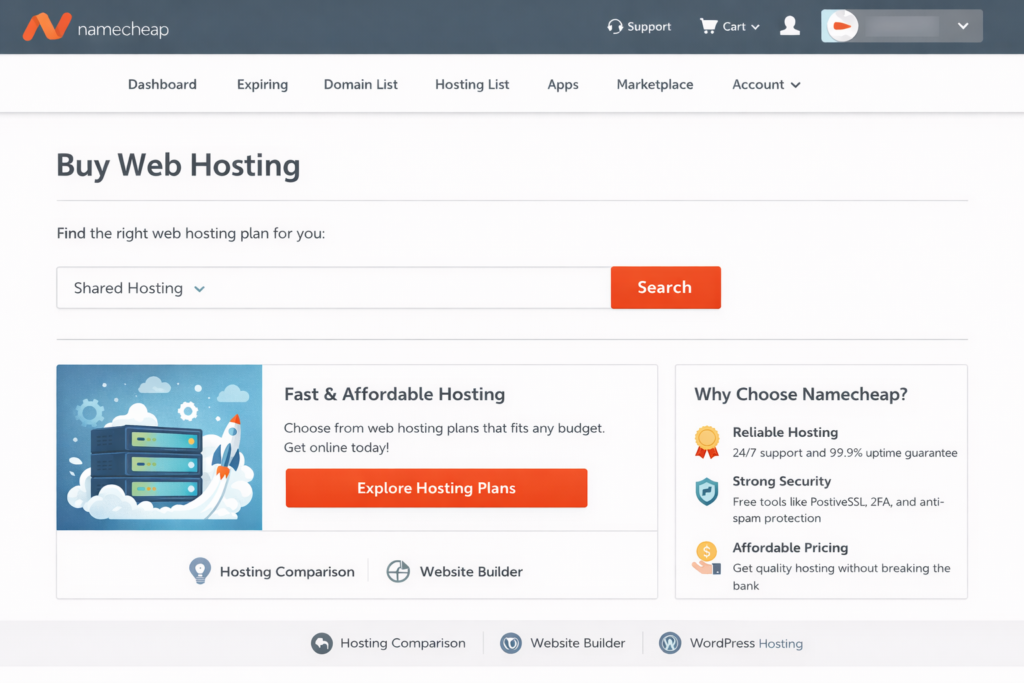
STEP 2 — Buy Web Hosting
Hosting is where your website files live. Without hosting, your blog cannot be accessed online. For beginners, choose a basic shared hosting plan.
After payment, you’ll receive:
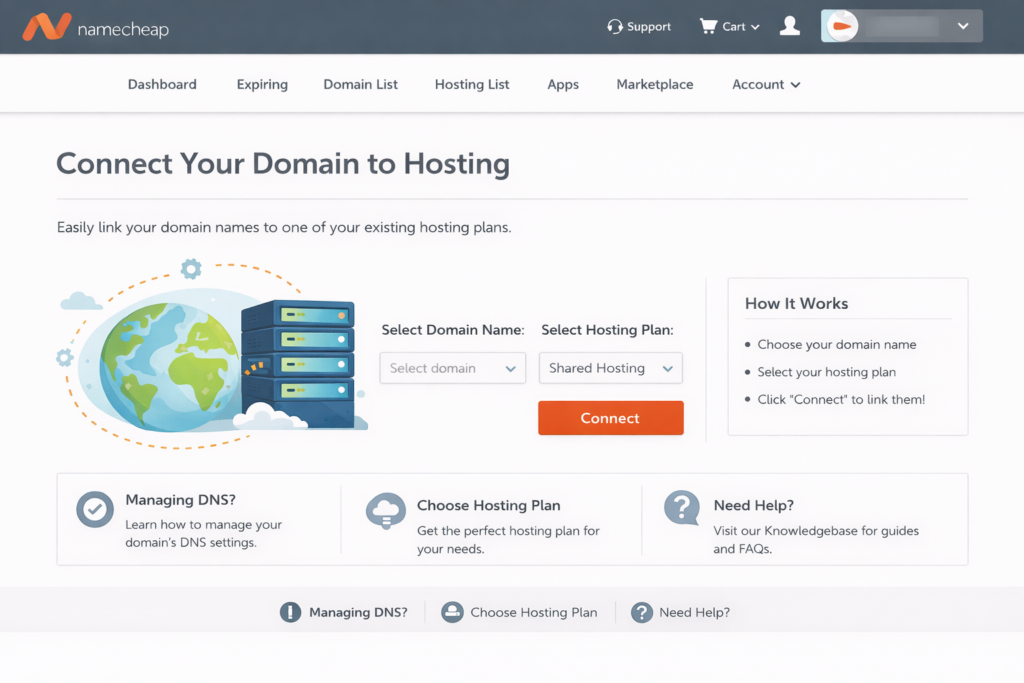
STEP 3 — Connect Your Domain to Hosting
If domain and hosting are separate:
Wait 5 minutes (sometimes longer). But, If you purchased both together, this step may be automatic.
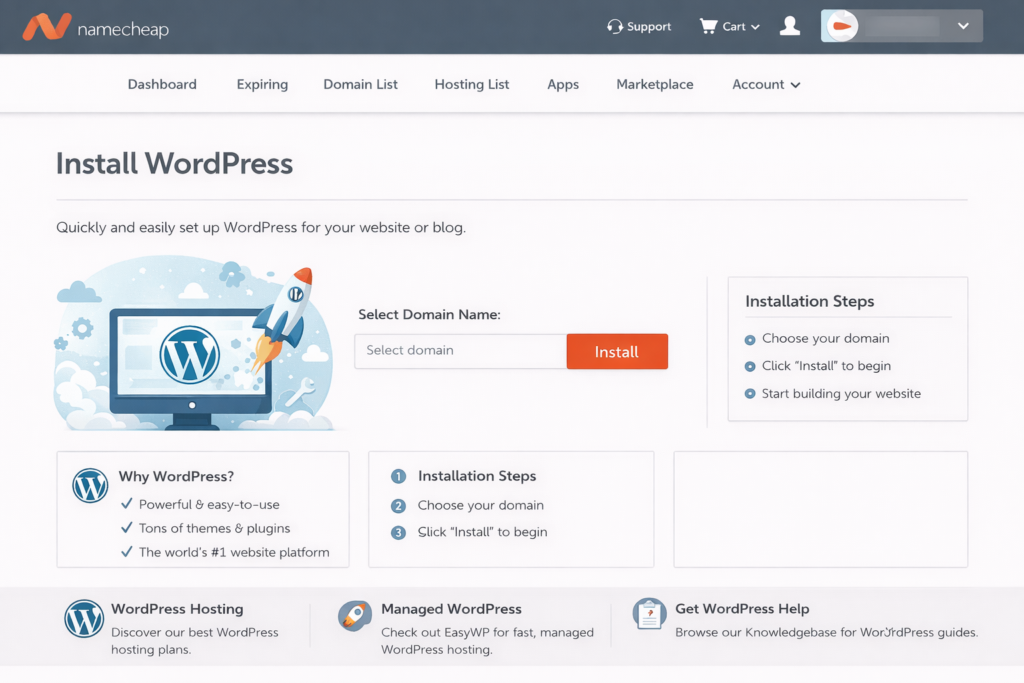
STEP 4 — Install WordPress
Inside your hosting:
Your self-hosted blog is ready.
Login using:
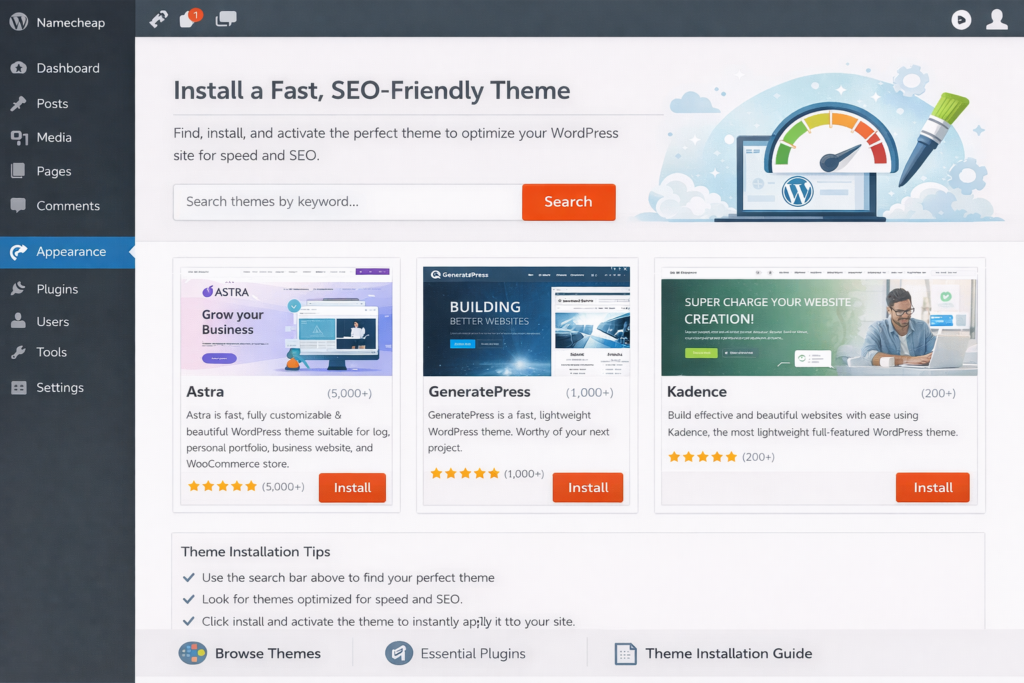
STEP 5 — Install a Fast, SEO-Friendly Theme
Your theme controls how your blog looks. For beginners, choose a lightweight, fast theme. A popular option is: Astra
Pick a simple fast theme.
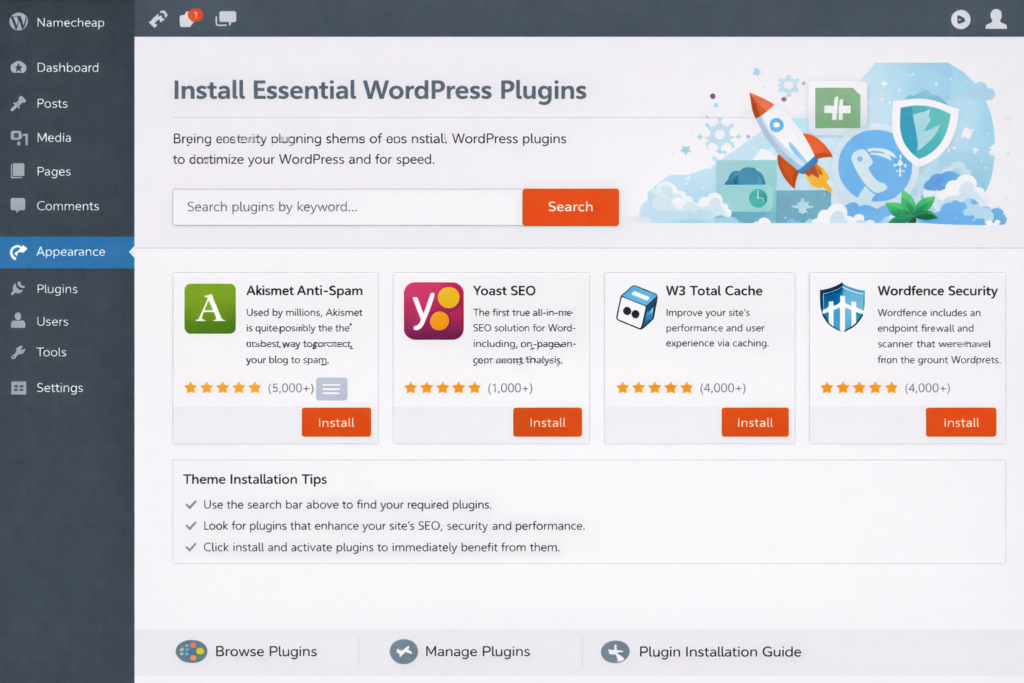
STEP 6 — Install Essential WordPress Plugins
Install:
Plugins is equal to extra features for your blog.
STEP 7 — Choose a Profitable Niche
Your niche is your blog topic. Choose something that is High search demand, Low competition, Monetizable, and Interesting to you.
Popular Beginner Niches

STEP 8 — Create Essential Pages
Google requires certain pages for credibility and AdSense approval. Create:
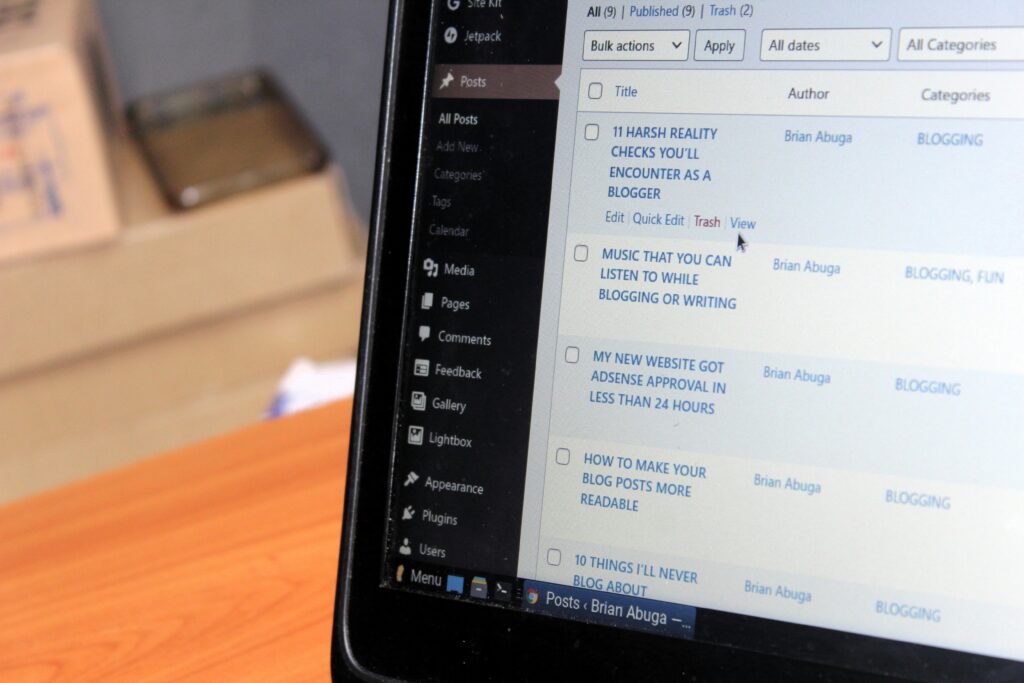
STEP 9 — Start posting
To get traffic from Google:
Use your SEO plugin to check optimization.
Video Guide on How to Start a WordPress Blog in 15 Minutes
Recommended Hosting Providers
| Provider | Plan | Price |
|---|---|---|
| Namecheap | Stellar Plus | $3.88/month |
| Truehost | Basic Shared | $2.50/month |
Tip: Choose a host that offers one-click WordPress installation.
How Much Does It Cost to Start a Blog?
Here’s the breakdown:
| Item | Cost |
|---|---|
| Domain | $10–15/year |
| Hosting | $3–10/month |
| Premium Theme (optional) | $0–60 |
| Plugins | $0–100 |
You can start a blog site under $60 per year.
How Long Does It Take to Make Money Blogging?
Many new bloggers ask, “How long does it take to make money blogging?” The honest answer is that blogging is not a get-rich-quick scheme. Most beginners typically need 3 to 6 months to start seeing consistent website traffic, and around 6 to 12 months to generate steady blogging income.
The timeline depends on several important factors, including your consistency in publishing content, the overall quality and value of your blog posts, your search engine optimization (SEO) strategy, and choosing a profitable niche with audience demand. Bloggers who focus on keyword research, helpful content, and long-term growth strategies tend to see better results over time.
Blogging should be viewed as a long-term digital asset, not instant money. With patience, strategic SEO, and consistent effort, a blog can grow into a reliable source of passive income through methods like Google AdSense, affiliate marketing, sponsored posts, and digital products.
Free Insights from Our Blog
Frequently Asked Questions
-
Can I start a blog for free?
Yes, free platforms like WordPress.com or Blogger let you start a blog without cost, but they come with limited customization, branding, and monetization options. A self-hosted WordPress blog gives full control, a custom domain, and better income potential.
-
How much does hosting cost per month?
Beginner-friendly shared hosting typically costs $3–$10 per month. It includes essentials like storage, SSL, and one-click WordPress installation, making it ideal for starting a blog without high upfront costs.
-
Do I need coding skills?
No. WordPress is beginner-friendly, and themes plus plugins let you design, customize, and add features without coding. You can build a professional blog using visual editors and drag-and-drop tools.